
Real life usage

Same login. Different jobs.

Just you

Just you

Use one private calendar for your life, then open only the pieces you want friends to see. Create one-time events and send custom invitations to friends or guests without exposing the rest of your schedule. Drop a note on a shared errand, assign a friend a task (“pick up the cake at 4”), and attach a photo or short video so the request is clear. Friends can write notes back or assign tasks to you the same way. Photo and video sharing stays tied to the people and the moment, not a separate social feed. Colors, fonts, and a simple theme make the calendar feel like yours. It works as a personal planner that becomes collaborative only when you invite someone in.


One-time personal events

One-time personal events

Birthdays, playdates, anniversaries, dinners, and small gatherings stay off the everyday calendar and live as their own event. You set the date once, write a note with the plan, and send a custom invitation to friends or guests who do not need access to the rest of your schedule. Assign a task to a friend (“bring the cake,” “pick up the kids at 3”) and attach a photo so the request is clear. Guests can write a note back or share a short video without joining a permanent group. Picture and video announcements cover the dress code, the meeting spot, or a thank-you after the day. Colors and a simple theme make the invite feel personal instead of like a generic link. When the event is over, the shared tasks, notes, and media stay with that gathering, not mixed into work, family, or club calendars.

Family

Family

Give the household one branded family calendar: your colors, a family logo, and a theme everyone recognizes. Parents schedule events, assign chores as tasks, and pin notes to school nights or travel days. Kids and relatives join as members and see only what they are invited to. Picture and video announcements cover “dinner is ready,” game-day reminders, or a grandparent’s birthday message. Anyone can create a task for someone else (“take the dog out”) or share a note and a photo from practice. One-time events, such as a reunion dinner, get custom invitations for relatives who are not everyday users. The calendar stays the shared source of truth instead of a group text that scrolls away.

Groups & Teams

Groups & Teams

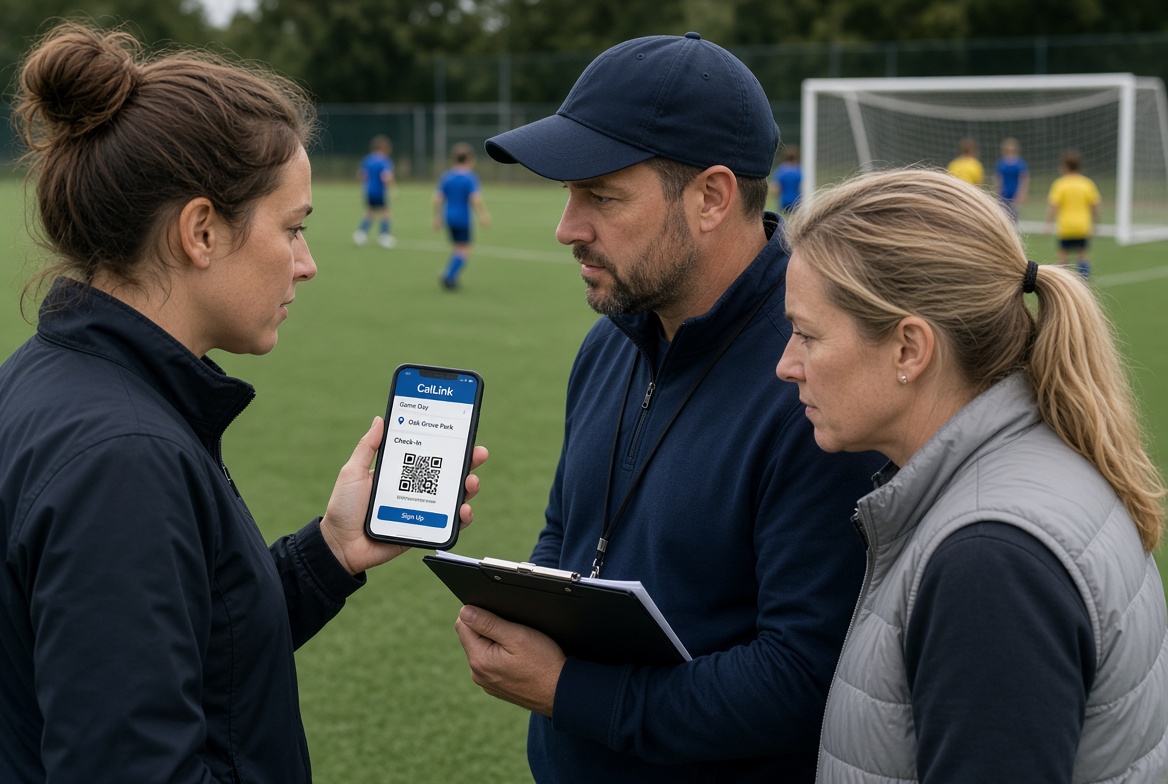
Clubs, teams, volunteer circles, and hobby groups get their own calendar tenant with a logo, colors, and fonts that match the group. An admin schedules meetings, practices, and outings, assigns tasks (setup, snacks, rides), and posts picture or video announcements so members see the plan, not just a link. Members join by invitation and can still share notes, photos, and short videos with the people involved. A member can create a task for another member without making the admin the bottleneck. One-time events, such as a tournament or fundraiser, support custom invitations for guests who are not full members. The group keeps its identity and its schedule in one place.

Church

Church

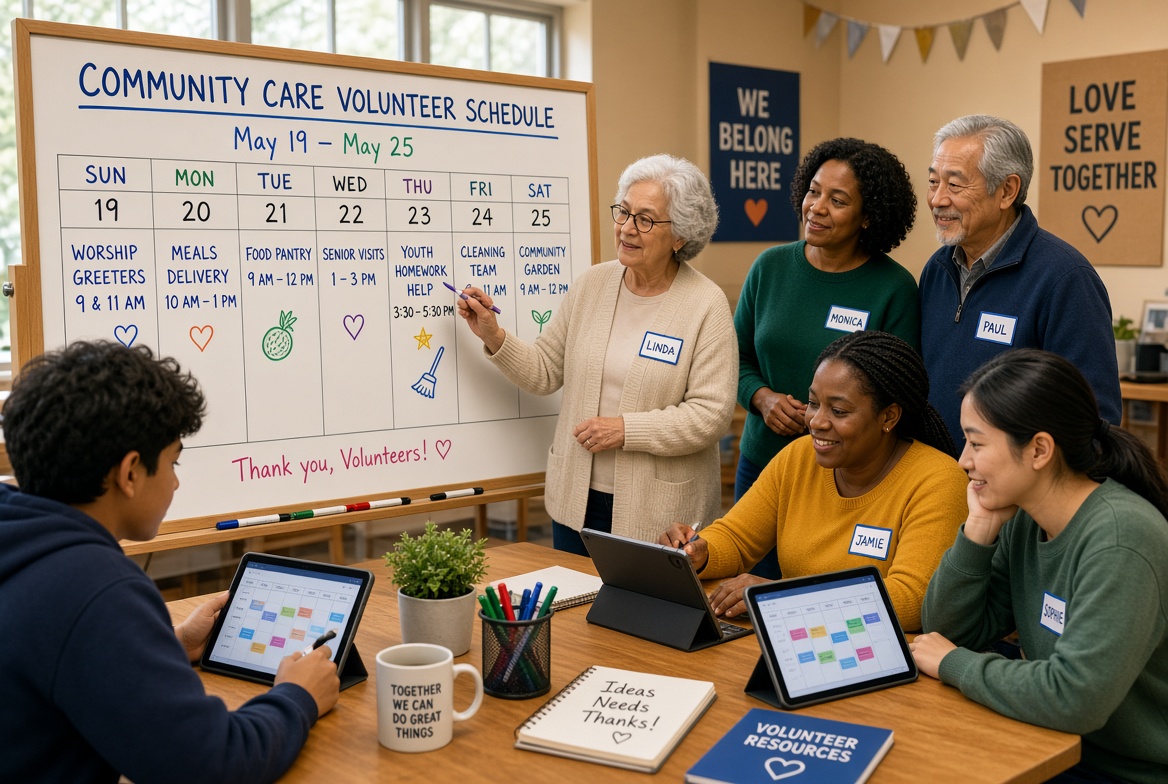
A congregation or ministry runs on its own themed calendar: church colors, logo, and fonts on every event and announcement. Staff schedule services, classes, and outreach, assign volunteer tasks, and attach notes for ushers, teachers, or hospitality teams. Picture and video announcements carry sermon reminders, baptism photos, or a short welcome from the pastor. Members are invited into the calendar and can share notes or media with a small team without posting to the whole church. A volunteer can assign a task to another volunteer for setup or follow-up. One-time events such as a wedding or community dinner use custom invitations for guests. Ministries can each have a clear, branded home for schedules and messages.

Volunteer and nonprofit

Volunteer and nonprofit

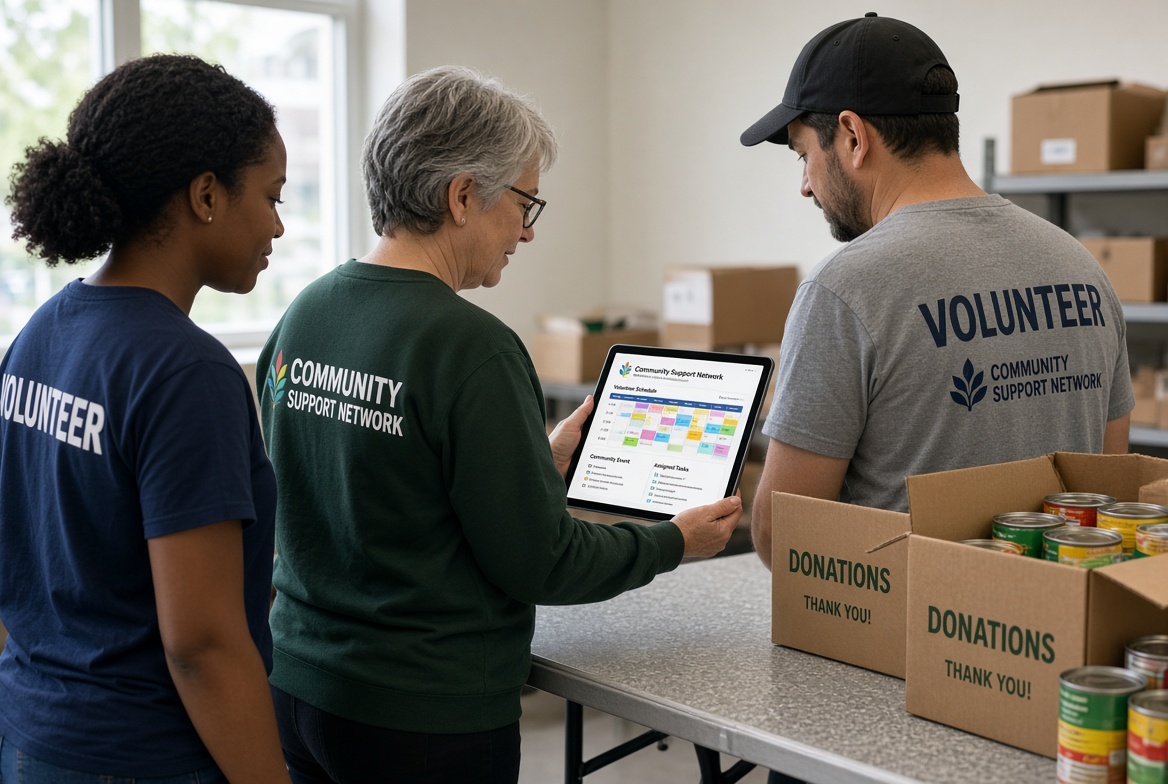
A food pantry, shelter, or community nonprofit runs its week on a branded calendar instead of a signup sheet. A coordinator schedules shifts, drives, and outreach, assigns tasks to named volunteers for setup, sorting, or transport, and attaches notes for site access, supplies, or who to ask on arrival. Picture and video announcements cover a needs list, a packing demo, or a short thank-you from the director. Volunteers join the tenant and can assign a task or share a note and photo with a partner without waiting on the office. One-time events such as a fundraiser or a donation drop-off use custom invitations for guests who should not see the full volunteer calendar. Colors, logo, and theme keep the board recognizable across sites and phones.

Students & Teachers

Students & Teachers

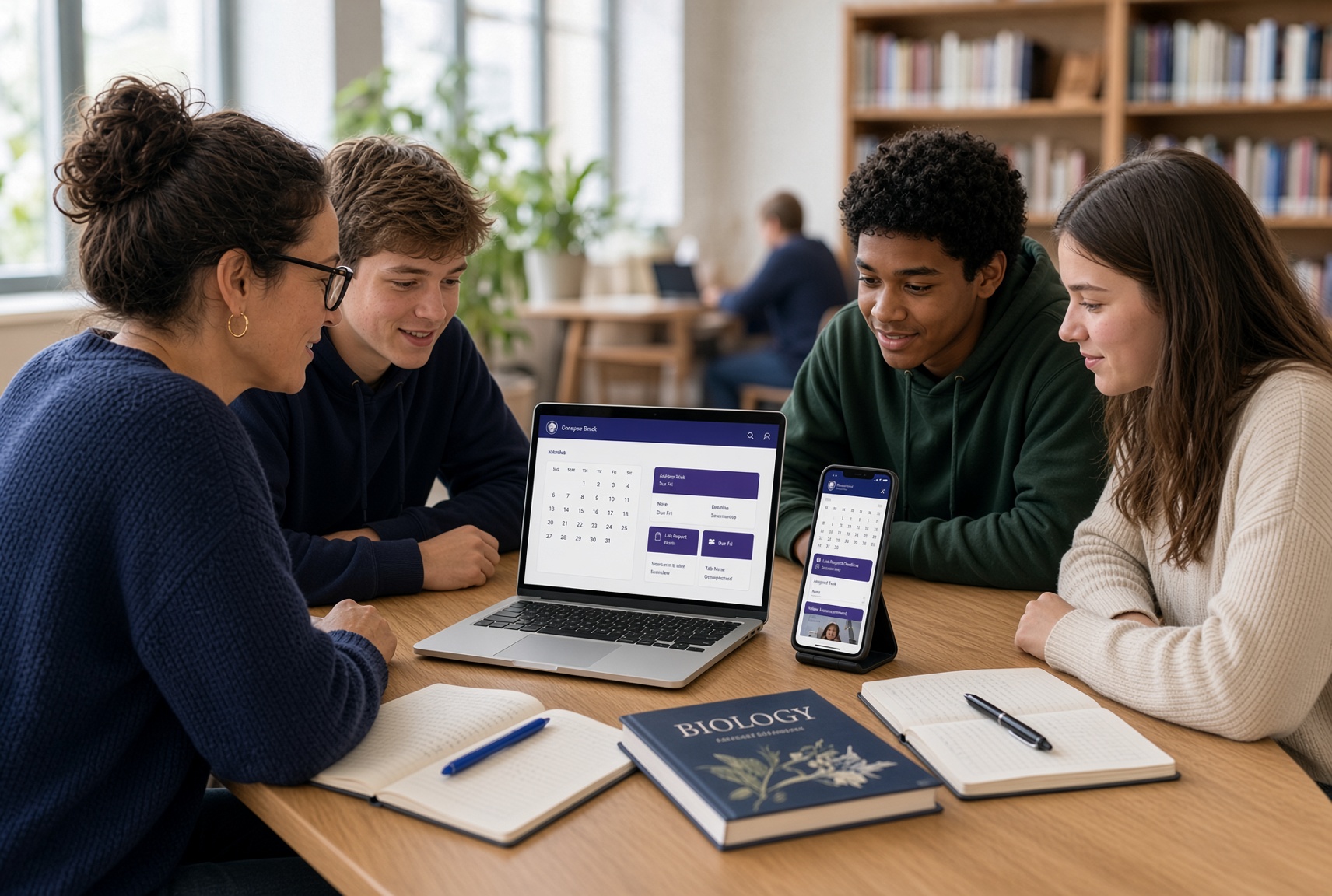
A class, study group, or campus club gets its own calendar tenant, skinned with school colors, a club logo, and fonts students actually recognize. Teachers schedule classes, labs, office hours, and deadlines, assign tasks to students or project partners, and attach notes so the brief stays with the due date. Picture and video announcements cover a lab demo, a reading reminder, or a short walkthrough of the assignment. Students join by invitation and can still share notes, photos, and clips with a partner or the whole group. A classmate can create a task for another classmate (“bring the poster board”) without routing everything through the teacher. One-time events such as a review session, field trip, or parent night use custom invitations for guests who should not see the full class calendar. The schedule, the work, and the media live in one branded place instead of a chat that gets buried.

Event planners

Event planners

Run each client or production as its own calendar tenant, skinned with the event’s colors, logo, and fonts. Planners schedule the run of show, assign tasks to staff and vendors who have been invited in, and attach notes to load-in, catering, and rehearsal blocks. Picture and video announcements show floor plans, floral references, or a spoken briefing. A coordinator can create a task for another coordinator or a hired friend without rebuilding the whole plan. Personal one-time events and custom invitations handle guest lists separately from the internal crew calendar. Clients see a polished, on-brand schedule; the crew sees tasks, notes, and media in the same place.

Offices

Offices

A team or small company gets a branded work calendar instead of a shared inbox. Admins schedule meetings and deadlines, assign tasks to specific people, and attach notes so context stays with the work. Picture and video announcements cover policy reminders, office closures, or a quick walkthrough of a new process. Colleagues join the tenant and can still share notes, files-as-media, and tasks peer to peer when a manager does not need to be in the middle. One-time events, such as a client visit or offsite, support custom invitations for guests who should not see the full internal calendar. Theme, logo, and colors make the workspace feel official without a heavy project tool.

Light commercial and industrial

Light commercial and industrial

Shops, crews, and small plants use a branded calendar for the work that actually happens on the floor. A supervisor schedules jobs and shifts, assigns tasks to named people, and attaches notes for parts, site access, or safety steps. Picture and video announcements cover toolbox talks, equipment setup, or a short clip of the correct procedure. Crew members join the tenant and can assign a task or share a note and photo with a partner (“leak at bay 3”) without waiting on a meeting. One-time events such as a delivery window or inspection get custom invitations for outside guests who should not see the full shop calendar. Colors, logo, and theme keep the board recognizable across teams and sites.

Clinics and care teams

Clinics and care teams

A small clinic, dental office, or home-care team uses a branded calendar for the day on the floor, not a shared inbox. An admin schedules visits and shifts, assigns tasks to named staff, and attaches notes for room setup, supplies, or arrival instructions. Picture and video announcements cover a procedure reminder, a closing notice, or a short clip of the correct setup. Staff join the tenant and can assign a task or share a note and photo with a partner without waiting on a huddle. One-time events such as a training or an inspector visit get custom invitations for outside guests who should not see the full schedule. Theme, logo, and colors keep the board recognizable across rooms and sites.

Neighborhood and HOA

Neighborhood and HOA

A block, building, or HOA runs its own themed calendar for the things residents actually share. A board member schedules meetings, clean-up days, and pool hours, assigns tasks to volunteers, and attaches notes for access codes or parking. Picture and video announcements cover a water shutoff, a lost pet, or a short welcome from the board. Residents join the tenant and can still share a note or photo with one neighbor without posting to everyone. A resident can assign a task to another resident for setup or a package handoff. One-time events such as a block party use custom invitations for guests who should not see the full community calendar. Colors and a logo make the board recognizable on every phone.

Create a free account How it works